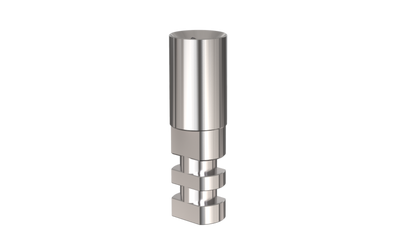
Alef Scan Body

Product details & FAQ
The Alef scan body transfers the position and orientation of the implant to the digital workflow. Screwed onto the implant (or implant analog) before scanning, it is recognized by the scanning software so that the restoration can be designed in the correct position. It is made of titanium for durability and is offered in three heights to suit different soft-tissue depths and scanning conditions.
Sizes
- SB7 – 7 mm height
- SB9 – 9 mm height
- SB12 – 12 mm height
All scan bodies have a diameter of Ø3.75 mm and fit the Alef internal-hex connection (Ø3.5 mm platform).
Specifications
- Material: titanium
- Diameter: Ø3.75 mm
- Heights: 7, 9 and 12 mm
- Maximum recommended torque: 20 Ncm
How to use
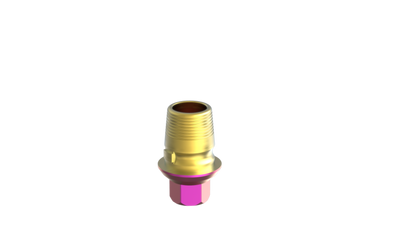
Seat the scan body on the implant, tighten it to the recommended torque, scan according to your scanner’s protocol, and then remove it. Choose the height that remains visible above the surrounding tissue and adjacent teeth so the scanner can capture it fully. The torque is a maximum recommendation and should not replace the clinician’s judgment. Pair the scan body with a Ti-base abutment and a digital analog to complete the digital workflow.
Regulatory
MSDI products meet the highest standards set by the FDA, CE MDR, ISO 13485 and other regulatory bodies. Disclaimer: some products may not have regulatory clearance for sale in specific territories. Please read the instructions for use (IFU) before use.
Frequently asked questions
Which height should I choose?
Choose the height that stays clearly visible to the scanner above the soft tissue; 7 mm is the shortest, 12 mm the tallest.
What torque applies?
Up to 20 Ncm.
Where can I find instructions for use?
At eifu.msdi-dental.com.
Complete your case
Components that are usually ordered with this item.